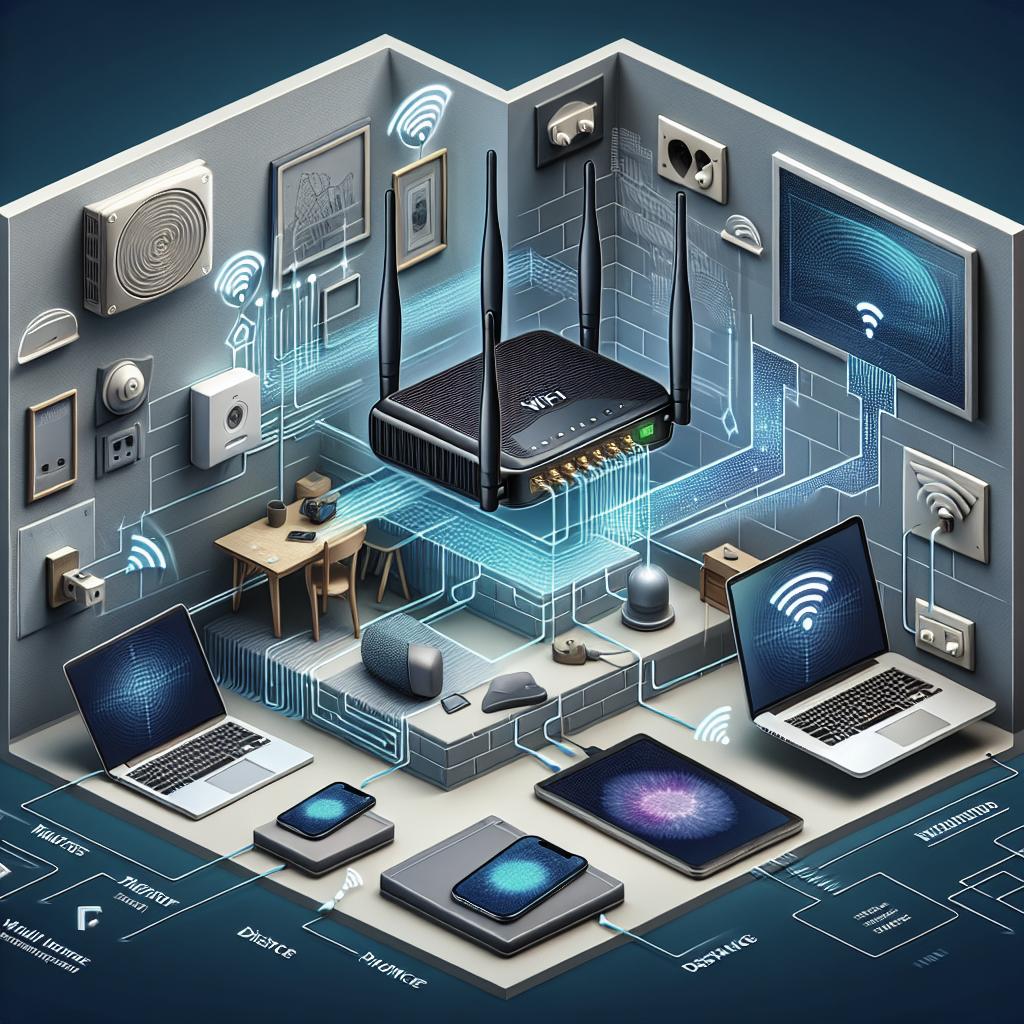
Understanding the Factors Affecting Wi-Fi Range
As our reliance on wireless technology continues to grow, understanding the factors that affect Wi-Fi range becomes increasingly important. Many of us face issues with spotty connections or dead zones in our homes or offices. Wi-Fi performance and reach can be influenced by various aspects, ranging from router distance to physical obstacles. In this guide, we will delve into each of these factors, providing insights into how they limit or expand Wi-Fi coverage and speed. Whether you’re a tech enthusiast or simply someone looking to optimize your home network, these insights will help you improve your Wi-Fi usage.
Distance from the Router
The most straightforward factor affecting Wi-Fi range is the physical distance between the router and your device. Wi-Fi routers emit signals that weaken as they travel further away from the source. Therefore, the further a device is from the router, the weaker the signal strength.
Signal degradation is most noticeable in large homes or offices where devices are far from the router. Placing the router in a central location can help minimize the distance to connected devices and result in a more even distribution of Wi-Fi coverage throughout the space.
Number of Connected Devices
In today’s digital age, the number of devices connected to a single Wi-Fi network can be staggering. Each device draws bandwidth from the available resources, and when too many devices are connected, the speed and range of the Wi-Fi can be negatively impacted.
Having multiple devices performing high-bandwidth activities, such as streaming or downloading large files, can put a strain on the network, leading to slower speeds and reduced range. Managing and optimizing the number of devices connected at any one time can help improve overall network performance.
Interference from Other Networks
Wi-Fi signals operate on specific frequencies, typically 2.4 GHz and 5 GHz bands. Interference from other networks operating on the same frequencies can cause congestion, reducing the efficiency of your Wi-Fi network. This is commonly encountered in apartment complexes or urban areas where multiple networks are in close proximity.
To combat this interference, adjusting the Wi-Fi channel on your router settings can often mitigate issues. Tools are available online to analyze the wireless traffic in your vicinity and help you choose the channel with the least amount of interference.
Physical Obstacles
Wi-Fi signals can be obstructed by physical barriers such as walls, floors, and furniture, leading to weaker signals and reduced range. The construction material of these obstacles plays a significant role in signal disruption—metal and concrete, for example, are notorious for blocking signals more than wood or drywall.
Positioning your router in an open space can help minimize such physical interference. If you cannot move your router or reduce barriers, consider using Wi-Fi extenders or mesh networks to improve signal distribution throughout your space.
Old Hardware
Using outdated hardware can limit your network’s capabilities. Older routers may not support the latest Wi-Fi standards, resulting in slower speeds and shorter ranges. As technology advances, the need to upgrade routers and other network devices becomes necessary to maintain optimal performance.
Investing in a newer model can offer improved signal range, speed, and additional features that better cater to modern connectivity needs. Before making a purchase, research specifications that align with your requirements to ensure a future-proof setup.
Bandwidth-Hogging Applications
Certain applications consume significant bandwidth, leaving less available for other activities. Streaming high-definition video, online gaming, and large file transfers can monopolize network resources, impacting the range and speed of Wi-Fi.
Implementing Quality of Service (QoS) settings on your router can help prioritize bandwidth for essential applications, ensuring smoother connectivity for activities that are sensitive to latency and speed changes.
ISP Throttling
Internet Service Providers (ISPs) may intentionally slow down your connection during peak times to manage network traffic effectively. This process, known as throttling, can drastically affect your Wi-Fi range and speed.
Awareness of your ISP’s policies regarding data throttling is crucial. If you notice consistent slowdowns at certain times, it may be worthwhile to contact your provider or explore different ISP options to ensure you have consistent and reliable Wi-Fi performance.
Poor Quality of Service (QoS) Settings
Quality of Service (QoS) settings control the allocation of bandwidth among different applications and services on your network. Poorly configured QoS settings can lead to inefficient bandwidth distribution, negatively impacting the range and performance of your Wi-Fi network.
Adjusting QoS settings based on your usage needs can help prioritize essential applications, ensuring they receive sufficient bandwidth while optimizing overall network performance. Many modern routers provide user-friendly interfaces for tweaking these settings to match specific requirements.
Software Running in the Background
Background applications running on your devices can consume bandwidth without a user’s knowledge, affecting both Wi-Fi speed and range. Software updates, cloud backups, and system processes often run unnoticed, gradually affecting network performance.
Regularly checking and managing background processes on your devices can help free up bandwidth for active tasks. Disabling or scheduling updates and backups during non-peak times can optimize your network usage.
Network Security Issues
Unsecured networks can be susceptible to unauthorized access, which can degrade performance and limit Wi-Fi range by overwhelming the network with additional, unplanned demand.
Ensuring your Wi-Fi network is secure with a strong, unique password and using up-to-date security protocols like WPA3 can prevent unauthorized usage, keeping your connection fast and reliable.
Final Thoughts on Factors that Affect Your Wi-Fi Speed
Understanding and addressing the various factors affecting Wi-Fi range can make a notable difference in improving the overall connectivity experience. From positioning your router wisely to investing in modern hardware and optimizing settings, each step contributes towards creating a more efficient and stable network.
| Factor | Impact |
|---|---|
| Distance from the Router | Signal weakens with increased distance |
| Number of Connected Devices | More devices decrease available bandwidth |
| Interference from Other Networks | Network congestion may reduce efficiency |
| Physical Obstacles | Barriers can block or weaken signals |
| Old Hardware | Older models may not support modern speeds |
| Bandwidth-Hogging Applications | Heavy usage can slow down other activities |
| ISP Throttling | Intentional slowdowns during peak usage |
| Poor QoS Settings | Inefficient bandwidth distribution |
| Software Running in the Background | Consumes bandwidth and affects performance |
| Network Security Issues | Unauthorized access may degrade performance |